Best External SSDs for Mac Photo Backup in 2026
Looking for the best external SSD to back up your Mac photos? Here are the top picks for speed, reliability and value in 2026.
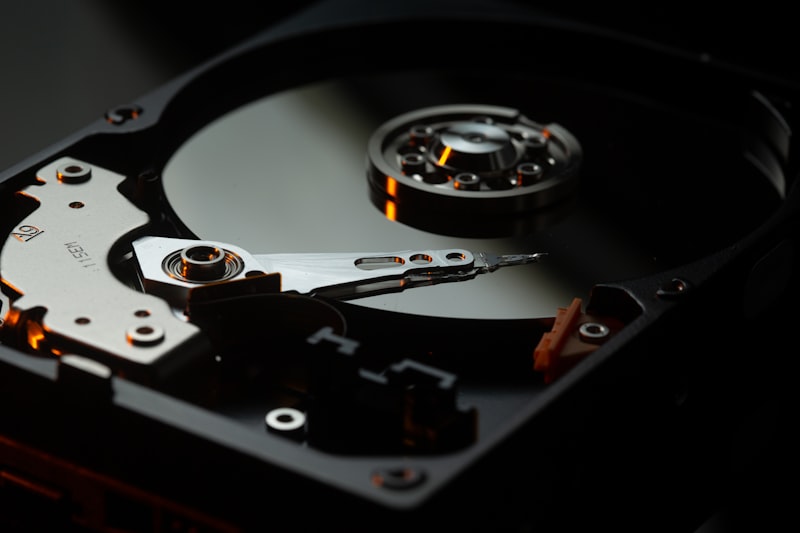
If you're archiving your iCloud photo library to an external drive, choosing the right SSD matters. Here are the best options in 2026.
What to Look For
Before buying, consider:
- Capacity — 1TB is enough for most users, 2TB if you have large video files
- Speed — USB 3.2 or Thunderbolt for fast transfers
- Reliability — SSDs are far more reliable than spinning hard drives
- Compatibility — all these work plug-and-play with Mac
Samsung T7 Shield — Best Overall
The Samsung T7 Shield is rugged, fast and reliable. It offers USB 3.2 Gen 2 speeds up to 1,050MB/s and comes in a rubberised case that survives drops.
- 1TB — around $100
- 2TB — around $160
- Works perfectly with Migrate Moments
SanDisk Extreme — Best Value
The SanDisk Extreme offers excellent performance at a slightly lower price point. Reliable brand with a long track record.
- 1TB — around $90
- 2TB — around $140
Samsung T9 — Best Performance
If you're transferring very large libraries with hundreds of GB of RAW photos or 4K video, the T9 offers the fastest USB speeds available.
- 1TB — around $130
- 2TB — around $200
WD My Passport SSD — Best for Beginners
Simple, compact and affordable. The WD My Passport is a solid choice if you want something straightforward without spending too much.
- 1TB — around $85
How Much Storage Do You Need?
- Under 20,000 photos: 500GB is likely enough
- 20,000 to 50,000 photos: 1TB recommended
- 50,000+ photos or lots of video: 2TB
When in doubt, go bigger. Storage is cheap — running out mid-export is not.
Ready to Archive?
Once you have your SSD, download Migrate Moments to export your iCloud photo library automatically — organised by year and month, with nothing deleted until verified on your drive.
Related articles
Ready to free up your iCloud storage?
Download Migrate Moments free — scan your library in minutes.